



A free listing, an honest review, and a friend’s recommendation can bring in customers without a single ad dollar.
To advertise your business for free, claim the free listings customers already check, earn real reviews, ask for referrals, and stay in touch with customers who opted in. Free methods cost time, not media spend, and they build slowly.
These 15 tactics come with steps, examples, and effort levels. Start with the quick wins.
Who this list is for, and what to expect
This list is for local and service businesses that want customers without an ad budget: salons, restaurants, clinics, shops, and trades. Free doesn’t mean effortless. Expect a few hours of setup, then a little time each week, and results that build over weeks and months. Each example is a sample to adapt, not a client result.
The payoff is durable assets: listings, reviews, referrals, and a contact list you own. For the big picture, see our pillar guide on how to grow your business, and our companion list of how to get customers for your business.
15 ways to advertise your business for free, locally
1. Claim and complete your Google Business Profile
Effort: Low
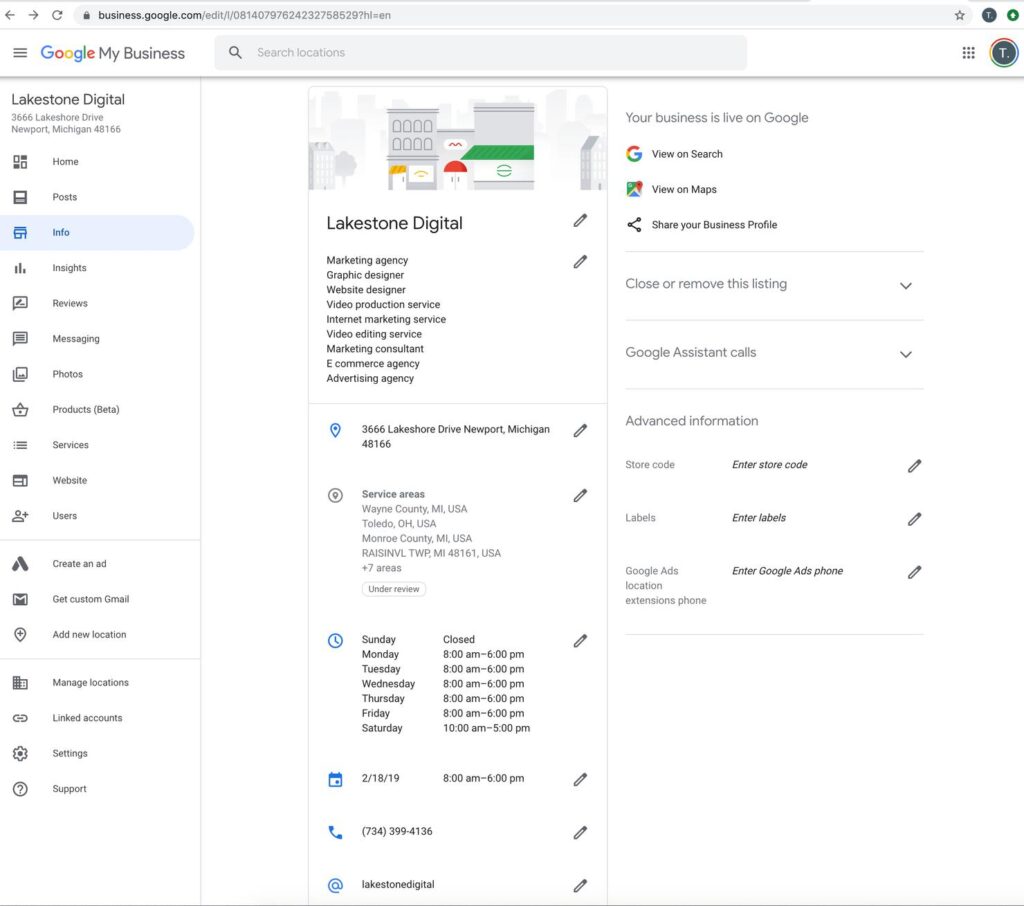
How: Verify it, choose the most specific category, and add accurate hours, services, and real photos. Google says you can’t pay for a better local ranking, so completeness is your lever, per its help page. For a Google-specific list, read how to advertise on Google for free. Example: A bakery lists custom cakes as a service and adds weekend hours.
2. Claim your Apple Maps and other listings
Effort: Low
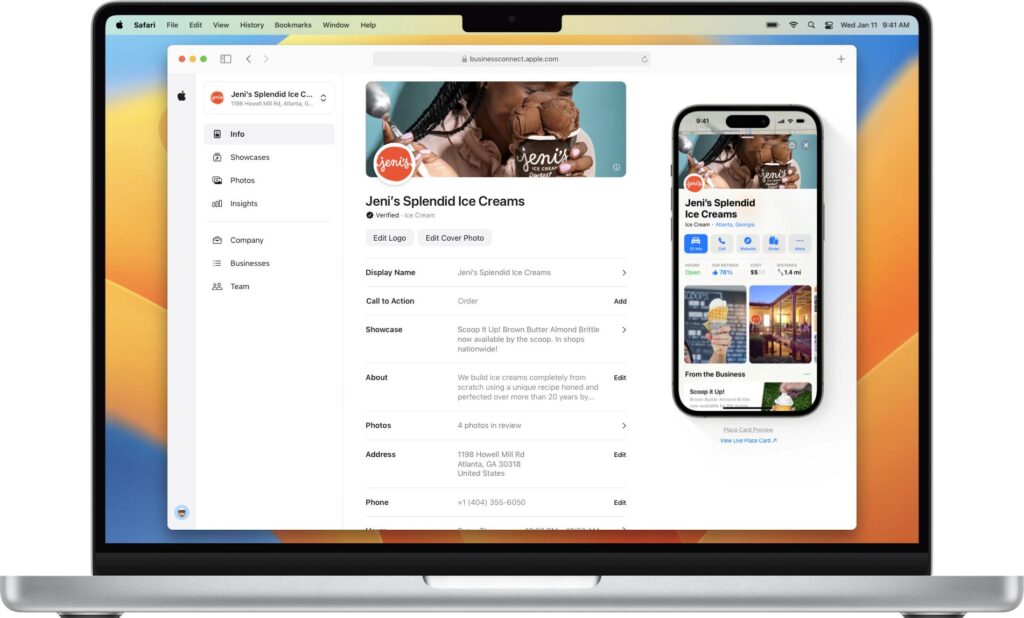
How: Apple Business Connect is a free tool for claiming and customizing your place card, according to Apple’s announcement (January 11, 2023). BrightLocal found Apple Maps use nearly doubled in a year, from 14% to 27%. Also check your Bing, Facebook, and Yelp listings, and keep your name, address, and phone identical. Example: A barber shop updates holiday hours on Apple Maps and Google the same day.
3. Ask every customer for a review
Effort: Low
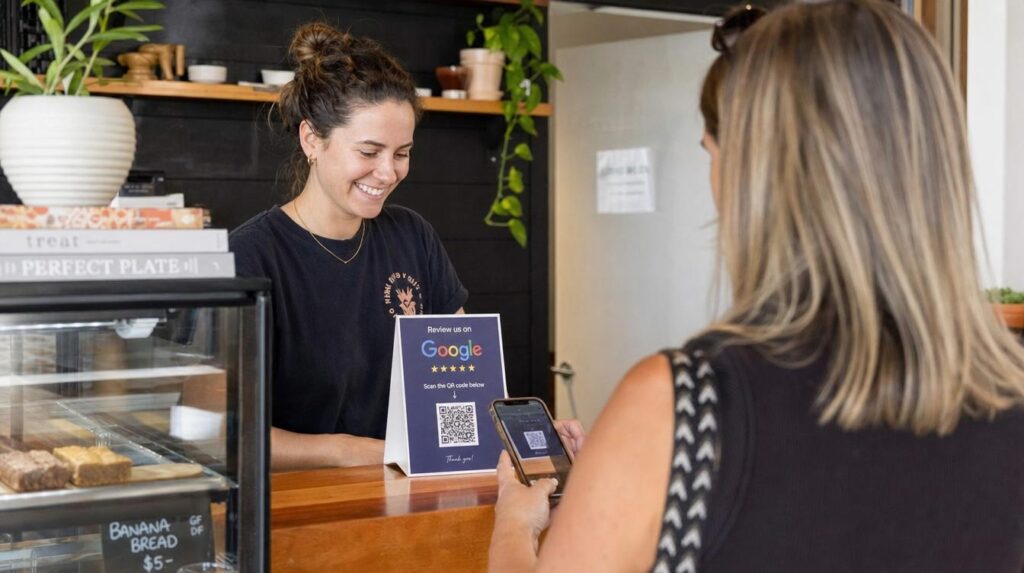
How: Use the same short ask for everyone, with a direct link or QR code, and never offer a reward. Our how to ask customers for reviews guide has scripts. Example: “Thanks for visiting! If you have a minute, we’d appreciate an honest review on Google: [link].”
4. Reply to every review
Effort: Low
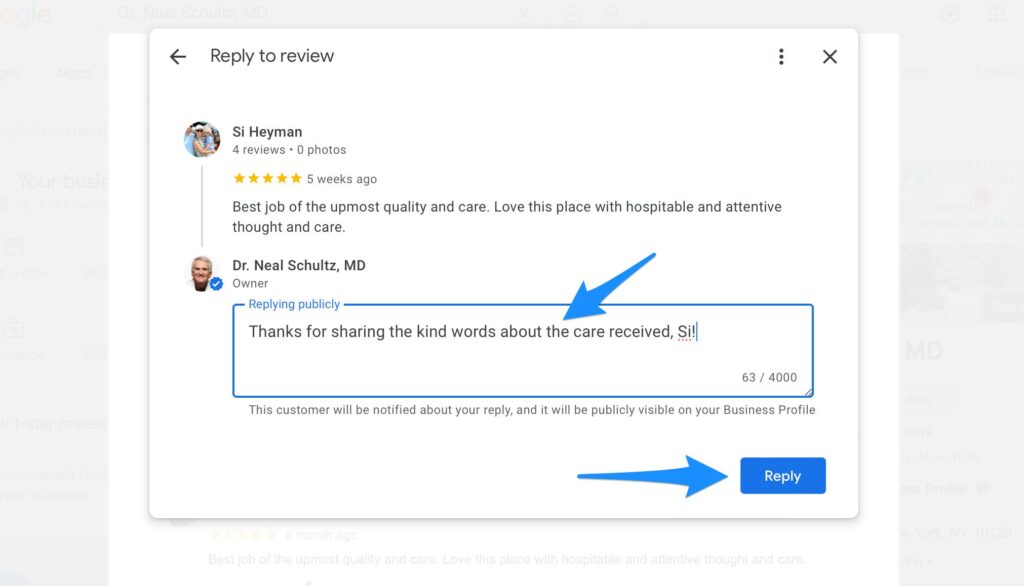
How: Thank reviewers by name and mention a detail. BrightLocal found 89% of consumers expect owners to respond. Example: “Thank you, Maria! Glad the lunch special hit the spot. See you soon.”
5. Put your link and QR code where customers already look
Effort: Low
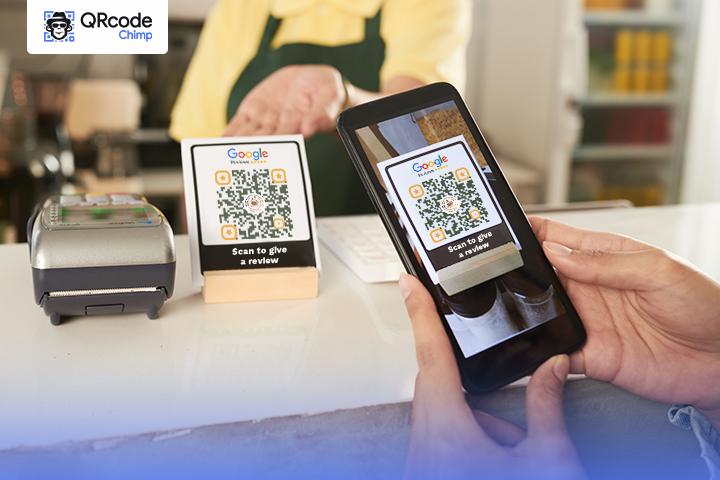
How: Add your review and booking link to receipts, packaging, email signatures, invoices, and your counter. Example: A QR card at the register that opens your Google review page.
6. Build local service pages on your website
Effort: Medium
How: Give each main service a page with a clear title, real photos, and your name, address, and phone. See local SEO for small businesses. Example: A “Lawn care in [City]” page with a call button.
7. Start a referral program
Effort: Low to medium
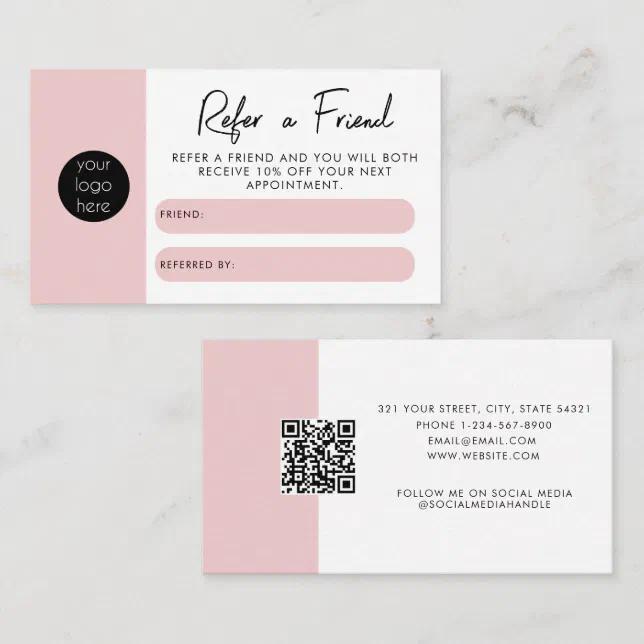
How: Thank customers who bring a friend who buys, and keep it separate from review requests. Nielsen’s 2015 study found 83% trust recommendations from people they know. Learn more in word of mouth marketing. Example: “Refer a friend: you both get [$X] off your next visit.”
8. Reward repeat visits
Effort: Low
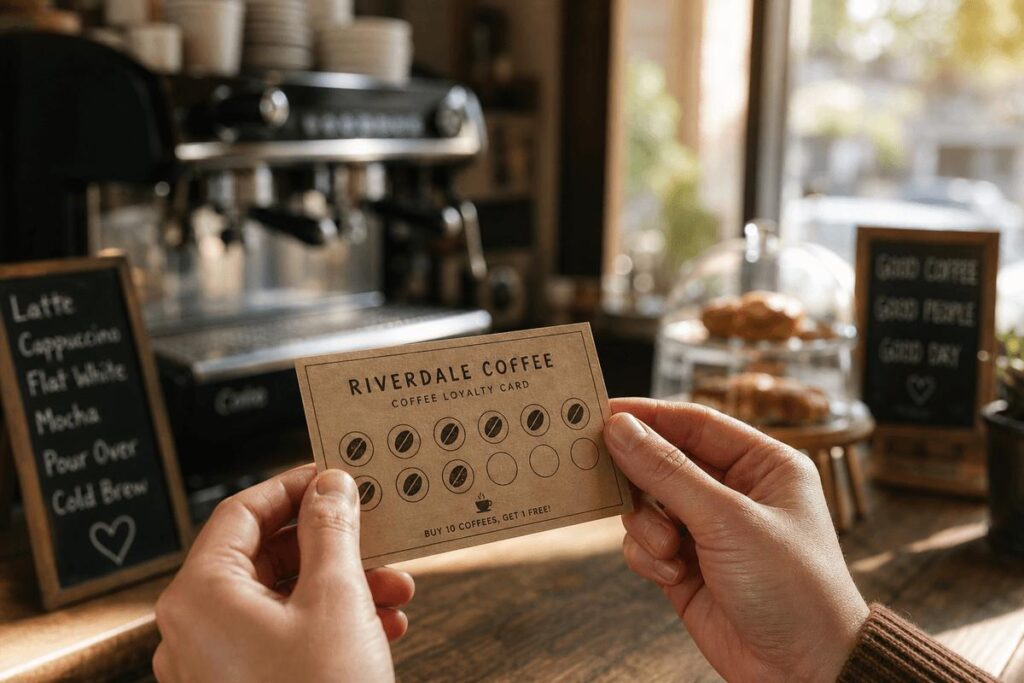
How: Use a paper punch card or phone-number points, with a first reward within reach. Retention costs little and protects the customers you already won. See our guide to customer retention strategies. Example: “Buy 9, get the 10th free.”
9. Build an email list with consent
Effort: Low to medium
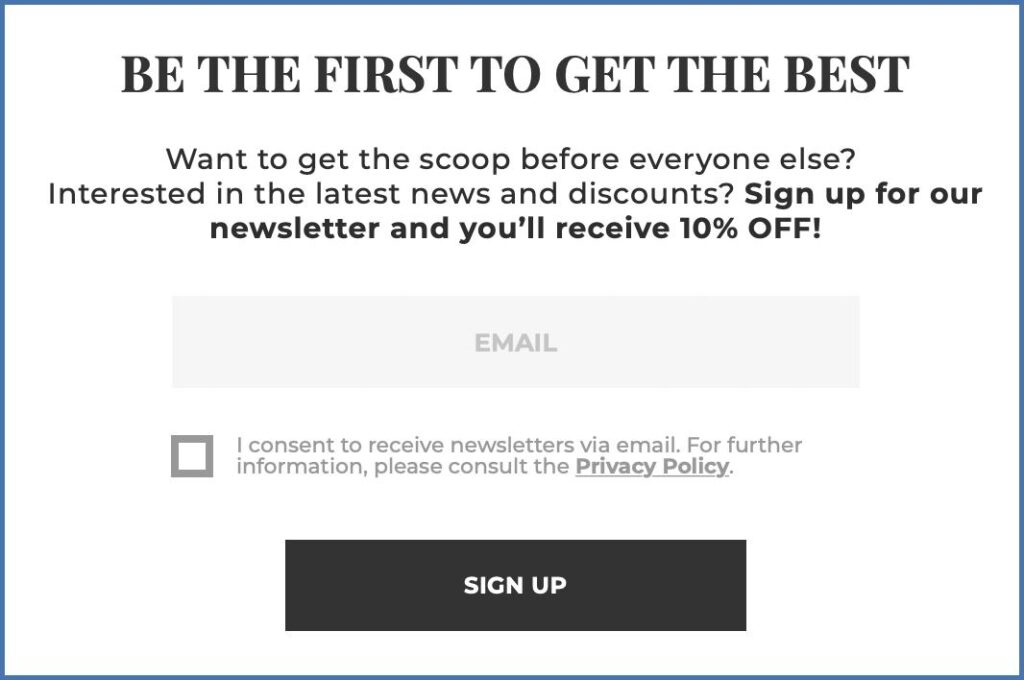
How: Collect opt-ins at checkout or booking, and send useful monthly updates. Email needs your physical address and an unsubscribe link, and opt-outs must be honored within 10 business days, per the CAN-SPAM Act. Example: A monthly note with a new offer and one tip.
10. Start a text list with written consent
Effort: Low
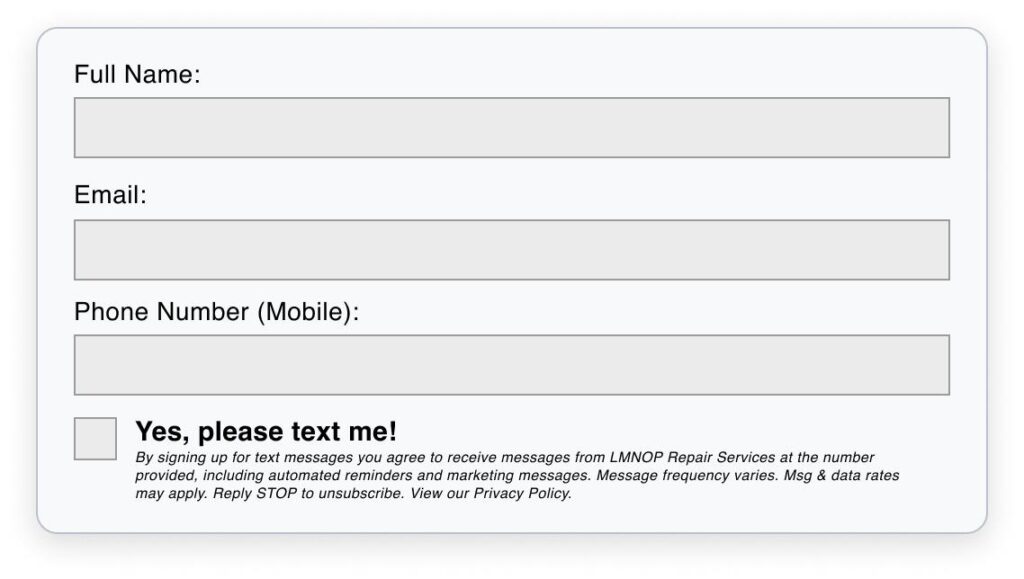
How: Text only people who gave prior express written consent, and honor STOP replies within 10 business days, per this BCLP summary of the FCC’s order. Example: “Reply YES for appointment reminders and offers. Reply STOP to opt out.”
11. Win back lapsed customers
Effort: Low
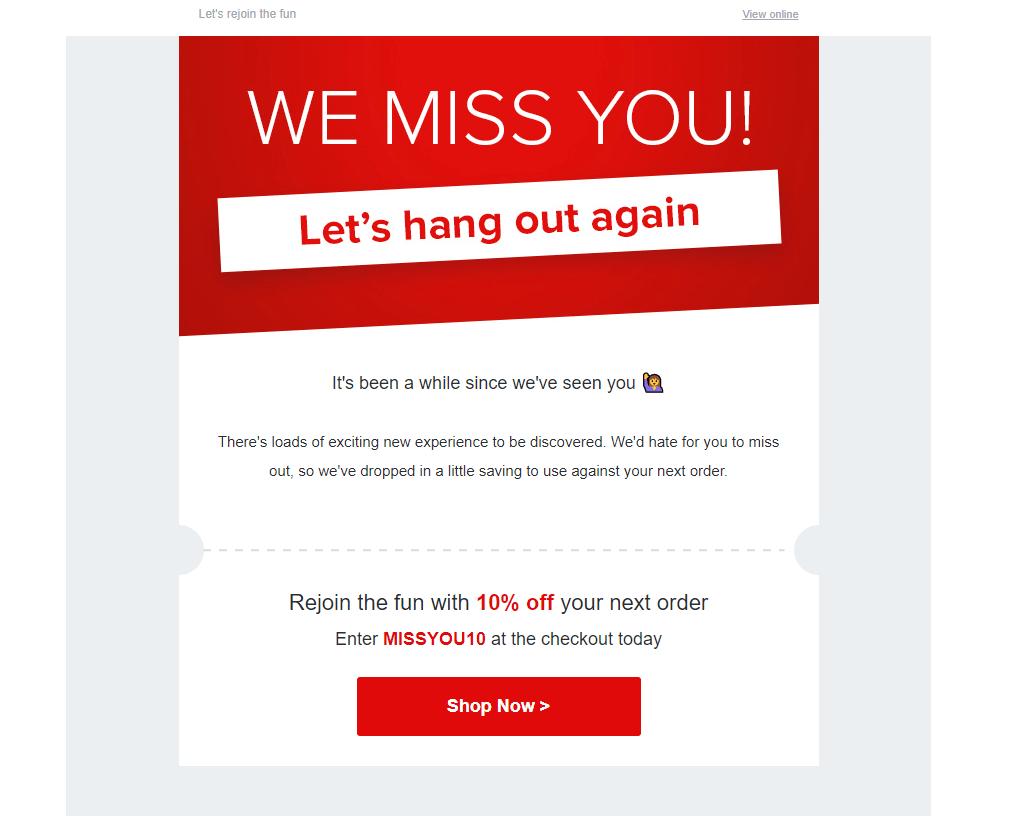
How: Message customers who haven’t returned in 60 to 90 days, with consent and a simple reason to come back. Example: “It’s been a while! Come back this month for [offer].”
12. Post short videos of your work
Effort: Medium
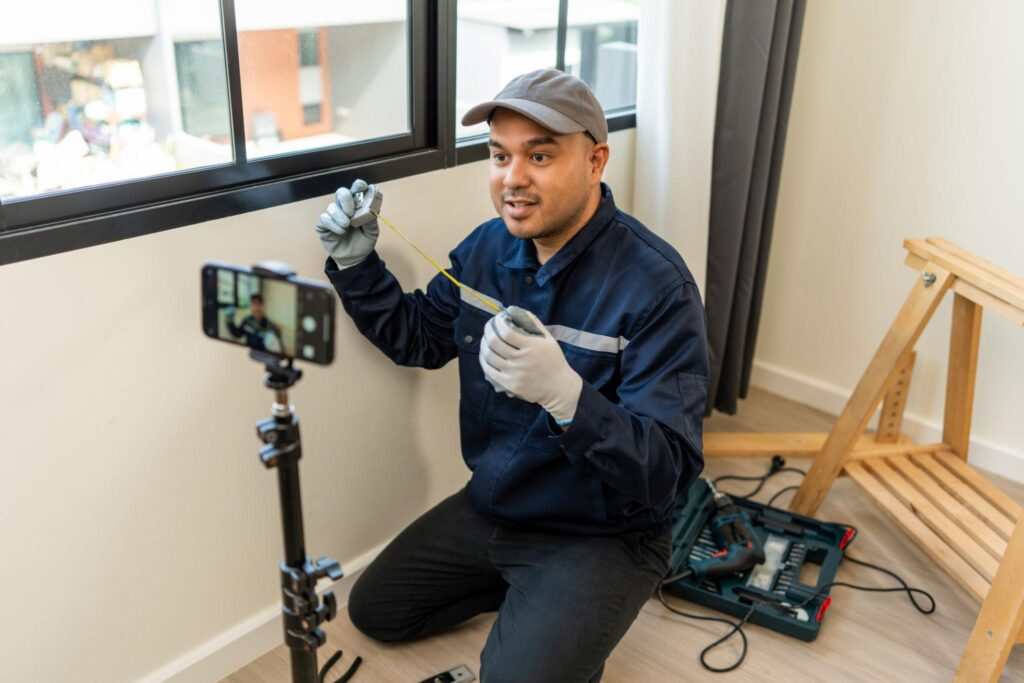
How: Film 10 to 20 second clips of real work, with permission from anyone shown, and link to your booking page. Example: A clip of a dish being plated, or a repair being finished.
13. Use local Facebook and Instagram communities
Effort: Low to medium
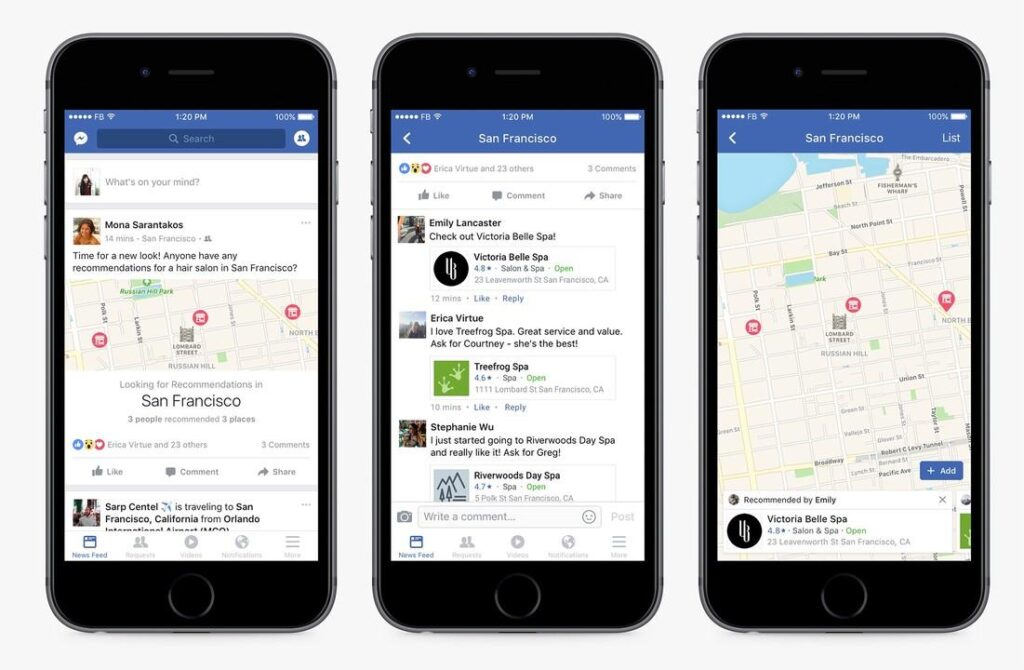
How: Keep your business page active, create events, and join local groups where business posts are allowed. Follow each group’s rules, and don’t spam. Example: Answer a neighborhood group question helpfully, with a link only if rules permit.
14. Partner with neighboring businesses
Effort: Medium

How: Swap offers or referrals with businesses that share your customers but don’t compete. Example: A gym and a smoothie shop hand out each other’s first-visit cards.
15. Pitch local press and community calendars
Effort: Medium

How: Share a short, newsworthy story, such as an opening, award, or community project, with local outlets, and list events on community calendars. Example: A short pitch about a charity day at your shop.
How to prioritize ways to advertise your business for free
Start with listings and reviews, which capture people already searching and cost nothing. Then add referrals, a loyalty punch card, and consented email or text. Add content, partnerships, and press once the basics run.
| When | Ideas | Why |
|---|---|---|
| Week 1 | 1, 2, 3, 5 | Free, and they capture people already searching |
| Weeks 2 to 4 | 4, 7, 8, 9, 10 | Build referrals and a list you own |
| Months 2 to 3 | 6, 11, 12, 13 | Add content, community, and win-back |
| Ongoing | 14, 15 | Build relationships that keep paying off |
KPIs to track when you advertise your business for free
| KPI | Formula | What it tells you |
|---|---|---|
| New customers per month | Count from your booking or sales system | Whether your efforts add up |
| Source of customers | “How did you hear about us?” tally | Which tactic works |
| Review velocity and rating | New reviews per month and your average | Trust and visibility |
| Profile actions | Calls, directions, clicks in Google Performance and Apple insights | Local demand |
| Repeat visit rate | Returning customers ÷ customers | Whether retention works |
| Referrals | Referred customers who buy | Word-of-mouth strength |
For customer lifetime value, multiply average spend per visit, visits per year, and years as a customer. Hypothetical math: $30 × 8 visits × 3 years is $720. Compare that with the time you spend to win a customer.
Rules for reviews, referrals, email, and text
- Reviews: don’t buy them, reward them, or screen who you ask. That breaks Google’s policy and the FTC’s 2024 rule.
- Referral rewards: keep them separate from review requests.
- Email and text: get consent first, include an easy opt-out, and honor opt-outs within 10 business days.
- Partner and creator posts: if you give free products or services in exchange for posts, the connection must be disclosed clearly.
General information, not legal advice. Consent and advertising rules vary by state and change over time. Check current requirements before you launch.
How to advertise your business for free: FAQ
What is the best free way to advertise my business?
For most local businesses, a complete Google Business Profile plus honest reviews. Google says reviews and accurate info can help your local ranking, and customers see both when they compare nearby options.
How can I advertise my business for free online?
Claim free listings on Google and Apple Maps, build a simple website, post short videos, and use email and text lists built from customers who opted in. All of these cost time rather than ad spend.
How can I advertise my business for free locally?
Partner with neighboring businesses, join local groups, ask for referrals, and post in community channels where the rules allow. Offline touches like a QR code at your register also help.
Is Google Business Profile free?
Yes. Creating and managing a Business Profile costs nothing. Paid Google Ads is separate and charges per click or lead.
Can I email or text customers for free?
You can use low-cost tools, but you need permission first. Marketing emails need an unsubscribe option and your physical address, and marketing texts need prior express written consent. This is general information, not legal advice.
How long does free advertising take to work?
Expect weeks to months. Free methods build visibility gradually, and no one can guarantee a result. Track calls, bookings, and where customers say they found you.
Want to save time on follow-ups?
Our all-in-one marketing platform can automate consented emails and texts. We offer it ourselves, so compare your options.
Sources (checked October 22, 2026): BrightLocal Local Consumer Review Survey 2026; Nielsen Global Trust in Advertising (2015); Apple Newsroom: Apple Business Connect (Jan 11, 2023); Google: local ranking; Google: prohibited content; FTC, 16 CFR Part 465 (2024). Examples are samples, not client results.