



A hungry diner searches “pizza near me” and sees three restaurants on the map. If yours isn’t one of them, that diner never meets you. Local SEO for restaurants is the work of keeping your Google Business Profile, website, reviews, and listings accurate and strong enough to appear in those results. These 11 steps show how, and none of them promises a ranking.
Why Local SEO for Restaurants Matters
Diners pick a restaurant in moments, usually on a phone, from the few places Google shows first. Google’s local results rest on relevance, distance, and prominence, and review count and score feed prominence. If your profile is thin or wrong, nearby competitors get the map click, the call, and the table.
The audience is already there. BrightLocal’s 2026 survey of 1,002 U.S. adults found 97% of consumers read online reviews for local businesses, and 71% use Google to do it. Another BrightLocal survey, reported by eMarketer, found 75% of consumers who used AI to find a local business checked Google or Maps before contacting it. So your profile still does the heavy lifting.
One caution first. Google names the ranking factors but doesn’t publish how they are weighted, and you can’t change distance. This playbook applies the principles from our guide to local seo for small businesses to a restaurant’s daily reality.
Local SEO for Restaurants: 11 Steps to Improve Local Rankings
Step 1: Claim and Verify Your Google Business Profile
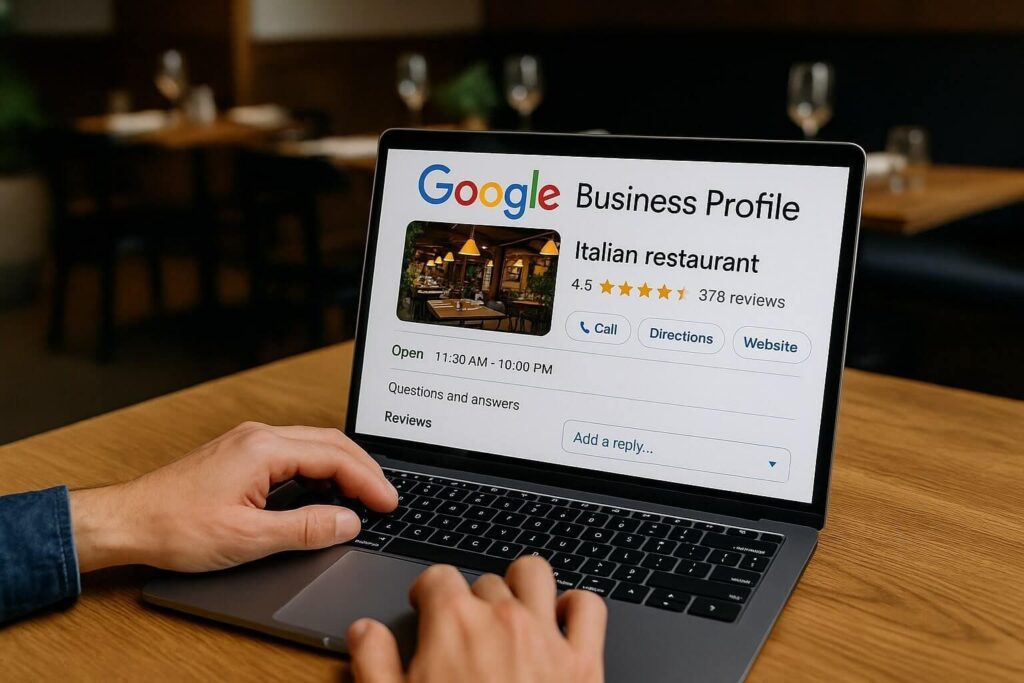
Local SEO for restaurants starts here: search your restaurant on Google, claim the profile (or create one), and complete verification so you control it. Keep to one profile per business, as Google’s representation guidelines require.
Use your real-world name exactly as it appears on your sign. Google says unnecessary information in the name isn’t permitted and can lead to suspension. Its own examples of what to leave out include opening hours, phone numbers, and URLs.
Step 2: Choose Categories, Attributes, and Hours
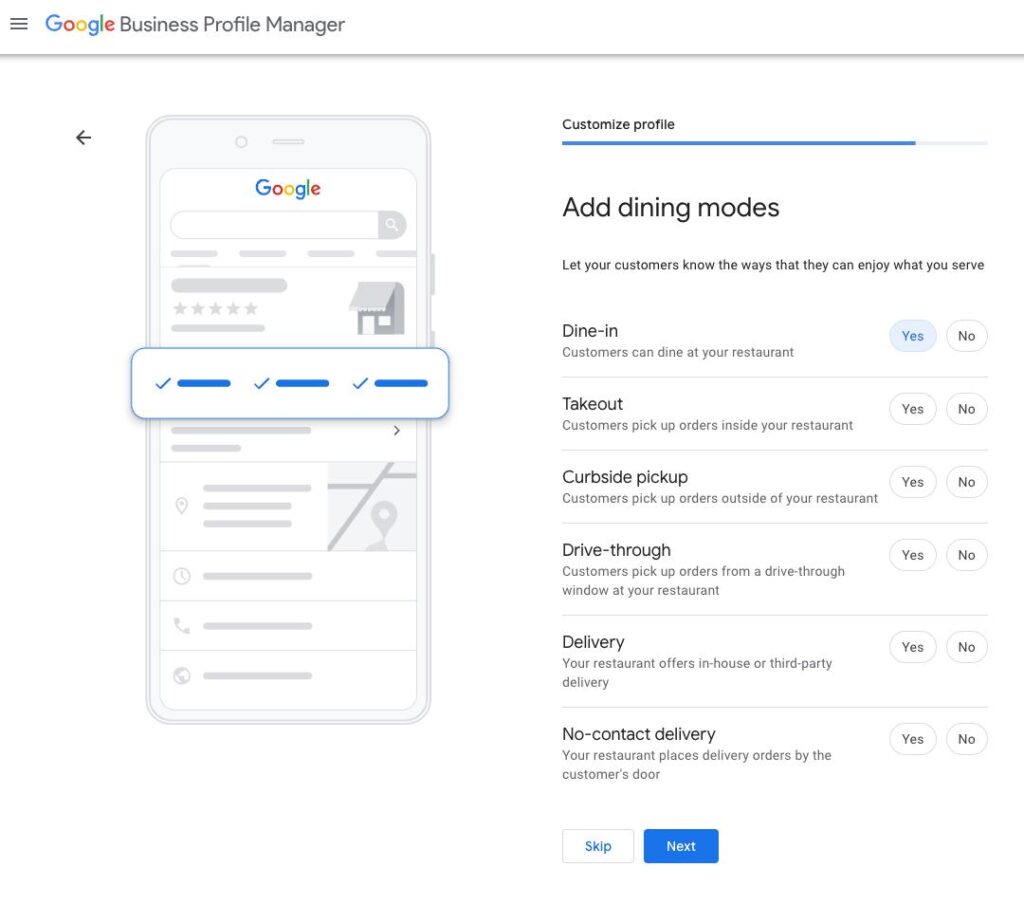
Pick your primary category first, such as “Pizza restaurant” or “Mexican restaurant.” Google advises using the fewest categories that describe your core business, and never using them as keywords. Then add attributes that are true: dine-in, takeout, delivery, outdoor seating, and similar.
For hours, Google’s guidance for restaurants is to use the hours when diners can sit and eat. If you only offer takeout, use takeout hours. Add holiday hours before every holiday. Wrong hours frustrate diners and can violate guidelines.
Step 3: Add Your Menu, Photos, and Action Links
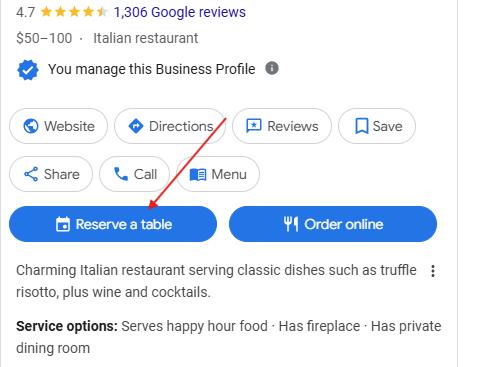
In your profile, open Info, then Menu, and add dishes with names, descriptions, and prices. Also set a menu link, reservation link, and order link under your profile’s contact settings. Some third-party ordering links may appear automatically, so check what diners actually see.
Treat photos as an ongoing feed. Upload your exterior (so people recognize the building), the dining room, and your best-selling dishes, then add new seasonal items as they launch.
Step 4: Build Local Keyword Pages on Your Website
Local SEO for restaurants also depends on your website, because Google says your position in web results feeds prominence. Use this on-page checklist:
- Title tag and H1: cuisine, restaurant type, and city (for example, “Italian Restaurant in Austin | Trattoria Name”).
- NAP in plain text: your Name, Address, and Phone number in the footer and contact page, not inside an image.
- Menu as HTML text: a PDF-only menu is harder to read on a phone.
- One page per location, plus pages for things you truly offer, such as catering or private dining in your city.
- Embedded map and directions on each location page.
Avoid near-identical pages for every suburb. They add nothing for diners. If you also run another local business, such as a salon, the same page structure applies; see our guide to local seo for nail salons.

Step 5: Add LocalBusiness Schema and Pass Core Web Vitals
Schema is code that labels your page content for search engines. Google’s LocalBusiness documentation includes a Restaurant example with properties such as servesCuisine, priceRange, openingHoursSpecification, and menu. Add it to your homepage or location page, then test it with Search Console’s URL Inspection tool. Schema helps Google understand your page; it doesn’t guarantee rich results.
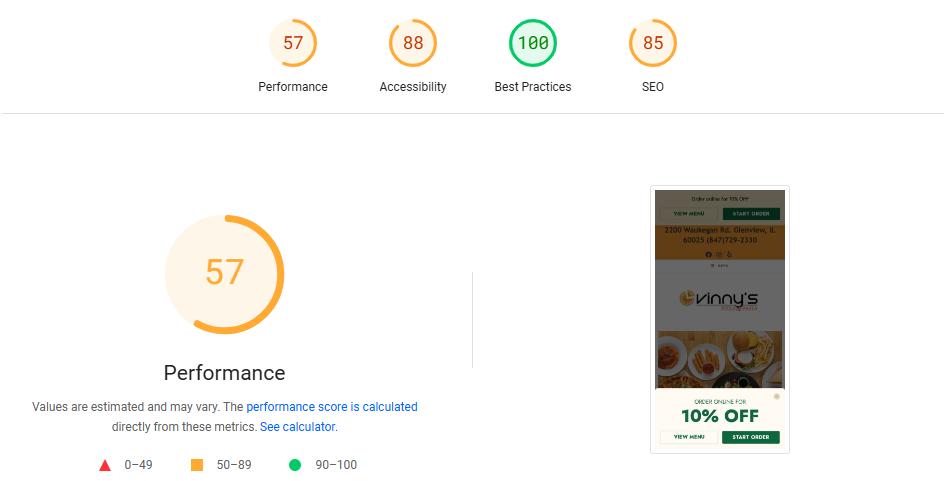
Also check Core Web Vitals, Google’s page-experience measures. “Good” means Largest Contentful Paint of 2.5 seconds or less, Interaction to Next Paint of 200 milliseconds or less, and Cumulative Layout Shift of 0.1 or less, at the 75th percentile of real visits (see web.dev). For restaurants, the usual culprits are oversized food photos and pop-ups that shove the menu button around.
Step 6: Build Consistent NAP Citations
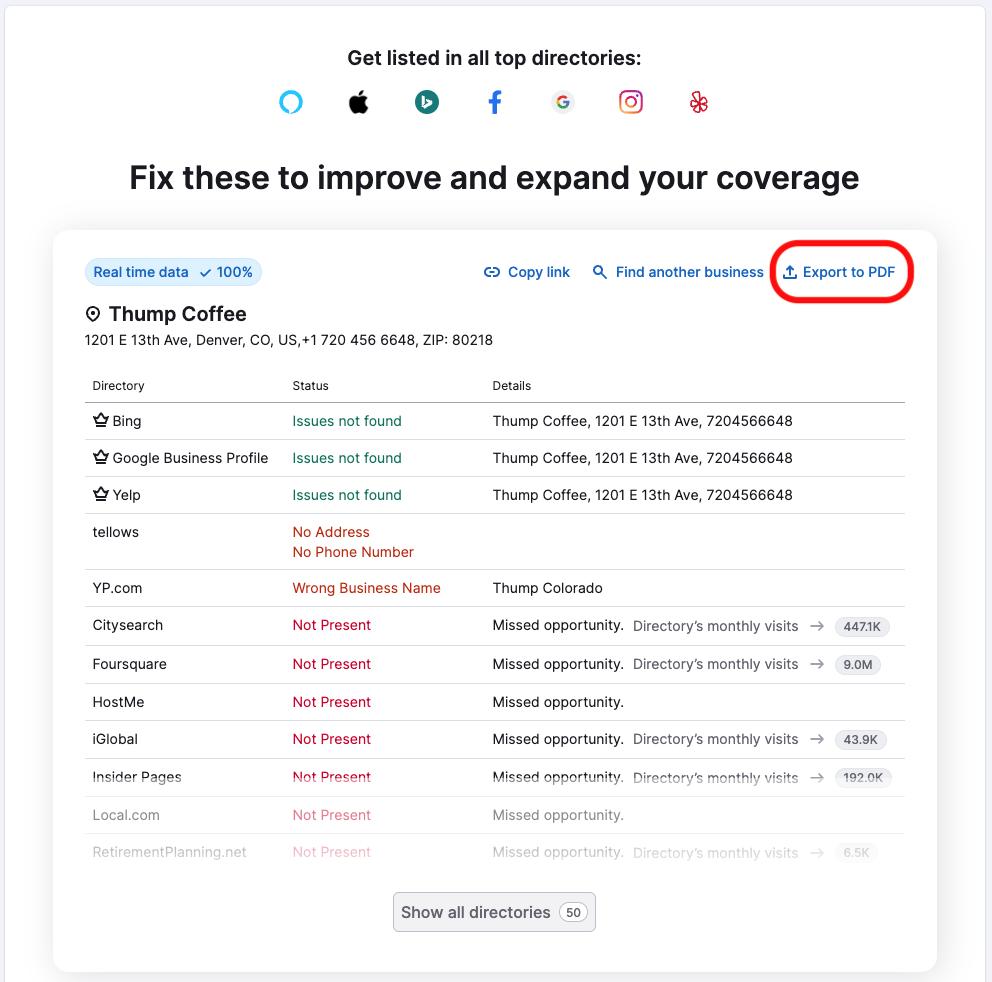
Citation work is the least glamorous part of local SEO for restaurants, but it protects everything else. A citation is any mention of your NAP on another site. Keep every one identical to your profile, down to “St.” versus “Street” and suite numbers. Start with Apple Business Connect (Apple Maps), Bing Places, Yelp, Tripadvisor, and your Facebook page. Then add your chamber of commerce and any reservation or delivery platform you use.
Consistency matters to diners too. An older BrightLocal study found out-of-date contact information would stop half of consumers from using a local business. BrightLocal’s 2026 survey, as reported by SHNO, also shows Apple Maps’ share of review usage rising from 14% to 27%, so don’t ignore it.
Step 7: Ask Every Diner for an Honest Review
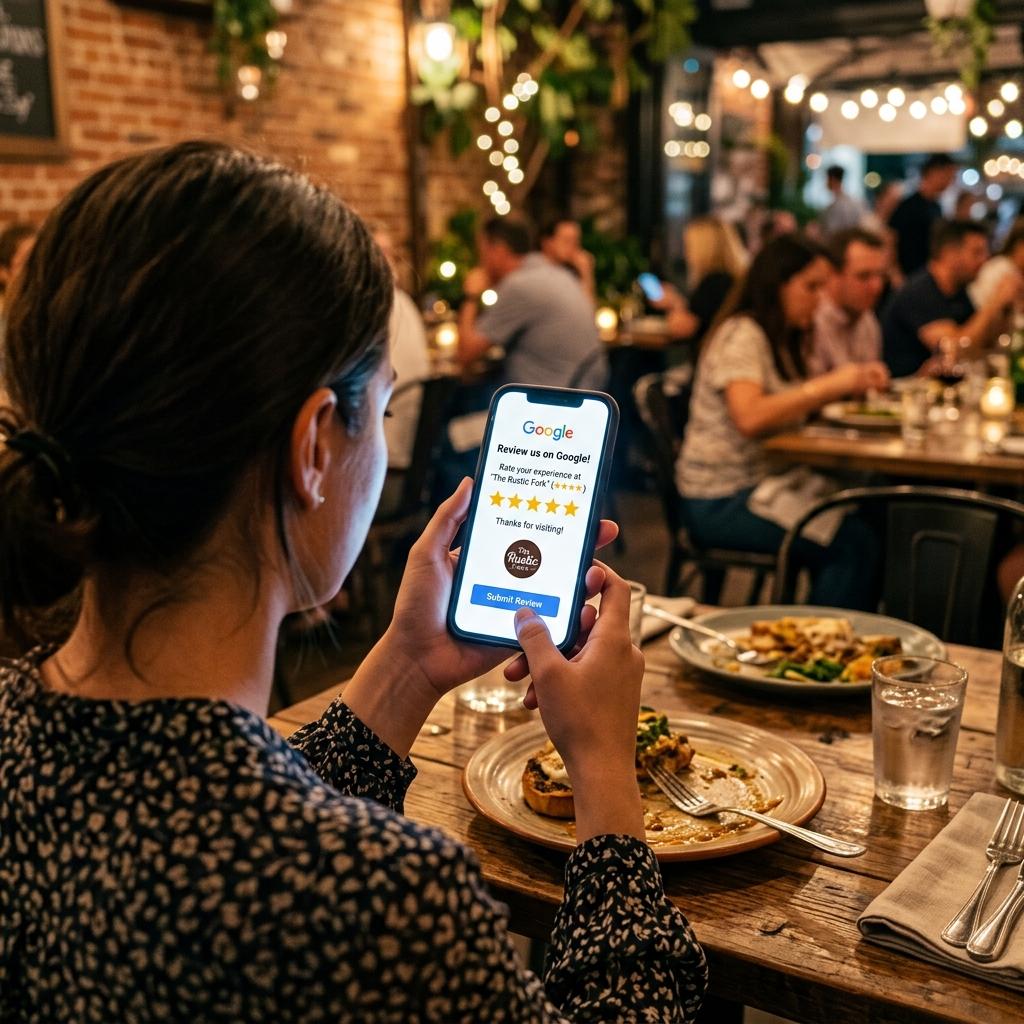
Google says review count and score factor into local ranking. Create your review link and QR code on a desktop: open your profile, select Read reviews, then Get more reviews. Print the QR code on receipts or check folders, and ask every table the same way.
Follow Google’s review policy. Don’t offer discounts or free dishes for reviews, don’t ask only happy guests, and don’t set review quotas for servers. Ask for an honest review, never “5 stars.”
Step 8: Reply to Every Review, Good or Bad
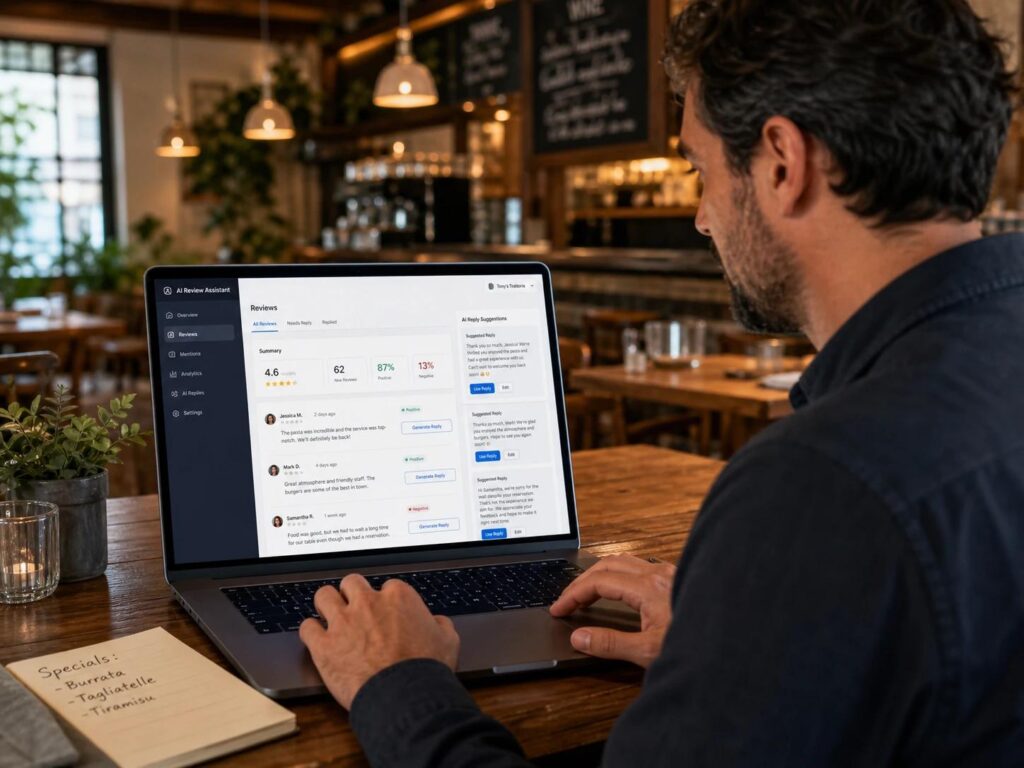
Google says replies show you value feedback and can help you stand out. Follow its guide to replying to reviews. Keep replies short and specific: “Thank you, [Name]. We’re glad the brunch hit the spot.” For complaints: “We’re sorry about the wait, [Name]. Please email [address] so we can make it right.”
Never offer anything in exchange for changing a review. Report reviews that break Google’s rules. Restaurants face no patient-privacy limits, but clinics do, which is why local seo for dentists and local seo for doctors need a different reply approach.
Step 9: Earn Local Links and Press
Google says prominence also reflects how many websites link to your business. Earn those links the slow way:
- Sponsor a youth team or charity event whose site lists sponsors with links.
- Join your chamber of commerce or a local restaurant association and complete the member listing.
- Pitch local news and food bloggers on a real story: a new menu, an anniversary, a fundraiser.
- Ask the farms and suppliers you feature to link to your page.
Don’t buy links. A few relevant local links beat dozens of paid ones.

Step 10: Track Calls, Directions, Map Rankings, and Search Console
| Metric | Where to find it | What it tells you |
|---|---|---|
| Call clicks | Business Profile performance | Taps on your call button (manual dials aren’t counted) |
| Direction requests | Business Profile performance | Diners planning to visit |
| Menu clicks, food orders, website clicks | Business Profile performance | Interest and actions from your profile |
| Map rankings | Rank tracker or manual checks | Position for chosen searches, at chosen locations |
| Queries, clicks, Core Web Vitals | Google Search Console | How your website performs in search |
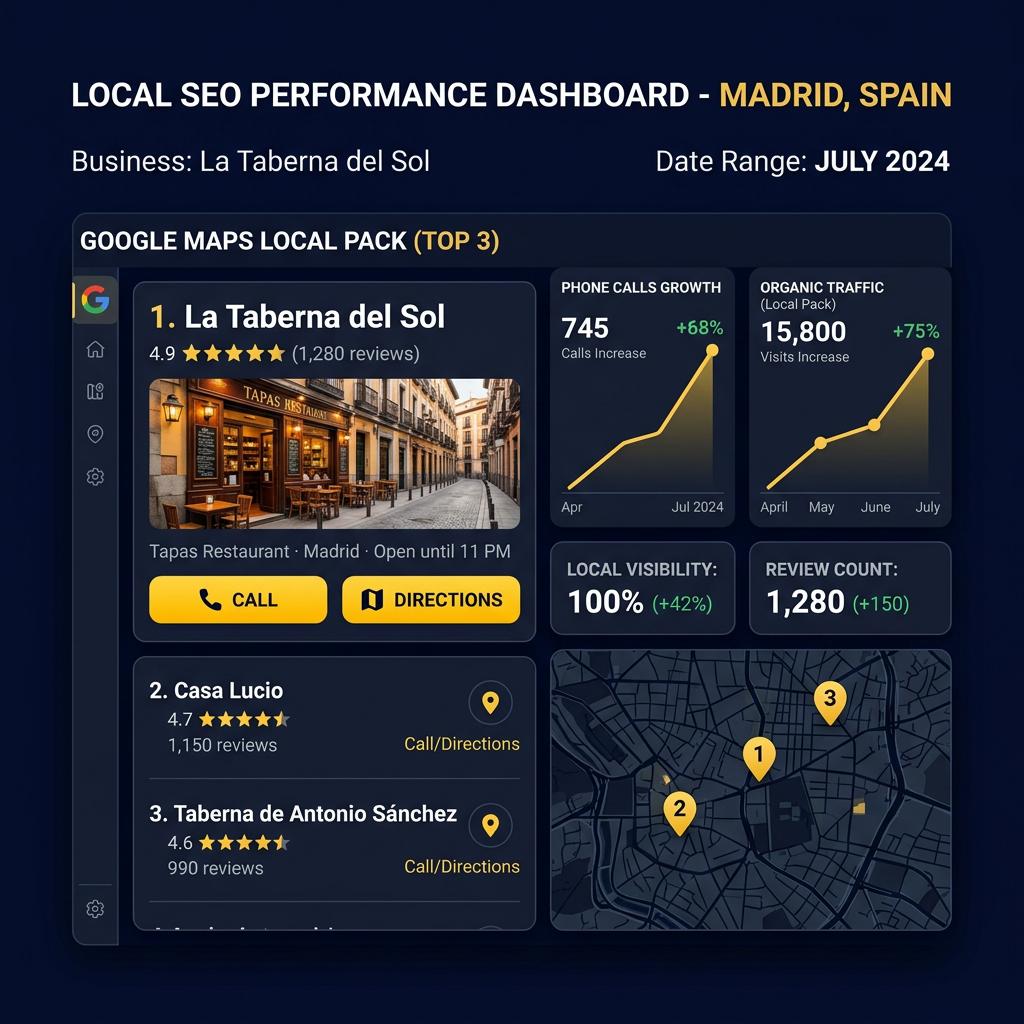
Map rankings change with the searcher’s location, so treat rank tracking as a sample, not a verdict. Local SEO for restaurants is measured in calls and visits, not vanity rankings. Record all five rows on the first of each month and compare quarter to quarter. See Google’s performance guide for definitions.
Step 11: Audit Monthly and Fix Fast
Local SEO for restaurants decays when details drift. Once a month, confirm hours (especially holidays), menu prices, photos, new reviews awaiting replies, and your NAP across directories. Check for duplicate listings, and make sure your schema and menu page still match your profile.
Common Mistakes That Get Profiles Suspended
Most suspensions trace to the same few issues: a name stuffed with keywords or hours, an ineligible address, or review manipulation. Google’s guidelines say a profile requires in-person contact with customers during stated hours.
- Keyword-stuffed names such as “Best Pizza Downtown.”
- Virtual offices or P.O. boxes as the address, which Google doesn’t accept.
- Duplicate profiles for one restaurant.
- Fake or incentivized reviews.
- Wrong hours or a misleading category, such as listing a bakery as a full-service restaurant.
If you’re suspended, read the notice, fix the named issue, and follow Google’s reinstatement steps rather than creating a new profile.
Cost: DIY vs. Agency
| DIY | Agency | |
|---|---|---|
| Main cost | Your time; Google’s tools are free | Monthly retainer |
| Best for | One location, steps 1–3, 7–8, 11 | Multiple locations, steps 4–6, 9–10 |
| Watch out for | Skipped monthly audits | Ranking guarantees, no reporting |
Pricing for local SEO for restaurants varies widely. Ahrefs’ survey of 439 SEO providers, as summarized by Boomp, puts average local SEO near $1,557 a month, while the most popular retainer band is $501–$1,000. Confirm the survey date before you quote it. Whoever you hire should explain their method and send monthly reports.
Local SEO for Restaurants FAQ
What is local SEO for restaurants?
It’s the practice of optimizing your Google Business Profile, website, reviews, and listings so your restaurant appears in map and “near me” results.
How do I get my restaurant to show up on Google Maps?
Claim and verify your Business Profile, then complete it accurately: category, hours, menu, photos, and attributes. Add reviews and consistent listings on top.
How long does local SEO take for a restaurant?
No one can promise a timeline. Track calls and direction requests monthly and compare quarter to quarter.
Do reviews help restaurants rank on Google?
Yes. Google says review count and review score factor into local ranking, and more positive ratings can improve it.
Does my restaurant need a website for local SEO?
A profile can work alone, but Google says your web results position also influences prominence. A fast site with your menu and NAP strengthens it.
Start With the Basics This Week
You don’t need every step at once. Fix your profile (steps 1–3) this week, set up your review QR code next, and add the website work after that. Small, accurate updates compound, and a monthly routine keeps them from slipping.
Want a team to handle your map visibility?
How this was built: researched in October 2026 from Google’s Help and Search Central pages, web.dev, and published surveys. Third-party figures are labeled, and nothing here guarantees a ranking. Sources: Google: local ranking; Google: profile guidelines; Google: restaurants; Google: performance; Google: review link and QR; Google: LocalBusiness structured data; web.dev: INP; web.dev: CLS; BrightLocal: Local Consumer Review Survey 2026; eMarketer: AI and local search; SHNO: local SEO statistics; Ahrefs: SEO pricing; Boomp: local SEO pricing.