



The average consumer checks six review sites before choosing a local business, per BrightLocal’s 2026 survey. If your business is missing from them, someone else tells your story.
Business review sites are platforms where customers rate and review local businesses, such as Google, Facebook, Yelp, and Tripadvisor. Claim your profile on each one that matters to your customers, keep it accurate, and reply to reviews.
Here are 12 to consider, with costs, rules, and picks by business type.
Who this list is for, and how we evaluated each site
Disclosure: Good Review Service sells review-management services, including the Google Maps SEO service linked below, so we aren’t neutral on DIY versus done-for-you. This list isn’t sponsored by any platform. We haven’t hands-on tested every platform for this guide, and where a note reflects documented behavior rather than our testing, we say so.
This guide is for local and service businesses, such as salons, restaurants, and clinics, that want to know where to spend limited time. We judged each platform on five criteria:
- Reach: how many consumers use it, per BrightLocal’s 2026 data where available.
- Cost to claim: what you pay, and what stays free.
- Review-request rules: whether you may ask customers to review you.
- Control: whether you can reply, report, and see performance.
- Fit: which types of business benefit most.
Why look beyond Google? Shoppers cross-check. They may start on Google, then confirm on Facebook, Yelp, or an industry site, so gaps and mismatched details across business review sites cost you trust. You don’t need to be everywhere, only on the sites your customers use.
We don’t give numerical scores, because they would suggest precision we can’t support. Prices change, so check each platform before you buy.
Quick comparison of the main business review sites
| Platform | Cost to claim | Can you ask for reviews? | Best for | Main limit |
|---|---|---|---|---|
| Google Business Profile | Free | Yes, with rules | Every local business | You can’t delete others’ reviews |
| Free | Yes, no incentives | Most local businesses | No removal of star-only recommendations | |
| Apple Business Connect | Free | Check Apple’s rules | Businesses with iPhone users | Newer, fewer tools |
| Yelp | Free to claim | No, per Yelp policy | Restaurants, home services | Review filter hides some reviews |
| Trustpilot | Free plan, paid tiers | Yes, via invitations | Online and e-commerce | Free plan has 50 invitations a month |
| BBB | Profile free, accreditation paid | Yes, via BBB tools | Trades, services | Annual accreditation fee |
| Tripadvisor | Free | Yes, QR codes provided | Restaurants, hotels, attractions | Travel and dining focus |
| Healthgrades | Free profile | Check rules and privacy | Healthcare providers | Healthcare privacy rules apply |
BrightLocal found Facebook, Tripadvisor, BBB, Apple Maps, Trustpilot, Healthgrades, Yellow Pages, and Angi all gained users over the last 12 months, while Google’s share fell from 83% to 71%. That’s why one profile is no longer enough.
Review-request rules at a glance
| Platform | Can you ask customers? | Rule to remember |
|---|---|---|
| Yes | No incentives, no screening, no pressure on premises, and no requests for specific content | |
| Yes | No incentives tied to sentiment, per the FTC’s 2024 rule | |
| Yelp | No | Yelp’s policy says not to ask anyone to review you |
| Trustpilot | Yes, via invitations | Invite customers consistently, not selectively |
| Tripadvisor | Yes | Use its QR codes and stickers, without rewards |
8 business review sites reviewed in detail
1. Google Business Profile
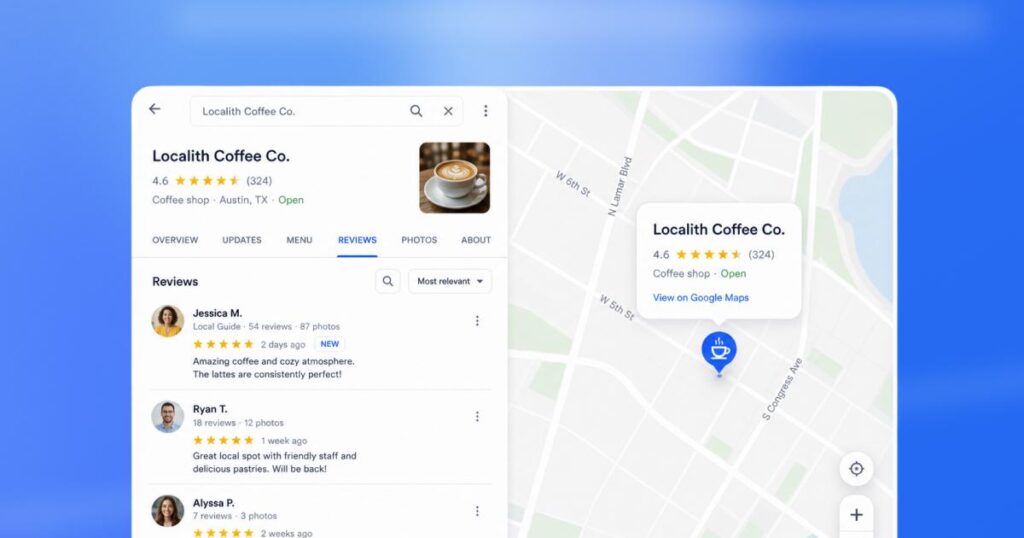
Best for: Every local business | Cost: Free
Pros: Most visible in Search and Maps, and review count and score factor into local ranking, per Google. Free tools for replies and performance.
Cons: You can’t delete a review you dislike, only report policy violations. Strict rules on incentives and screening.
Our notes: Documented behavior: Google prohibits paid reviews and conflicts of interest. See our guide to google reviews for business.
2. Facebook (Recommendations)
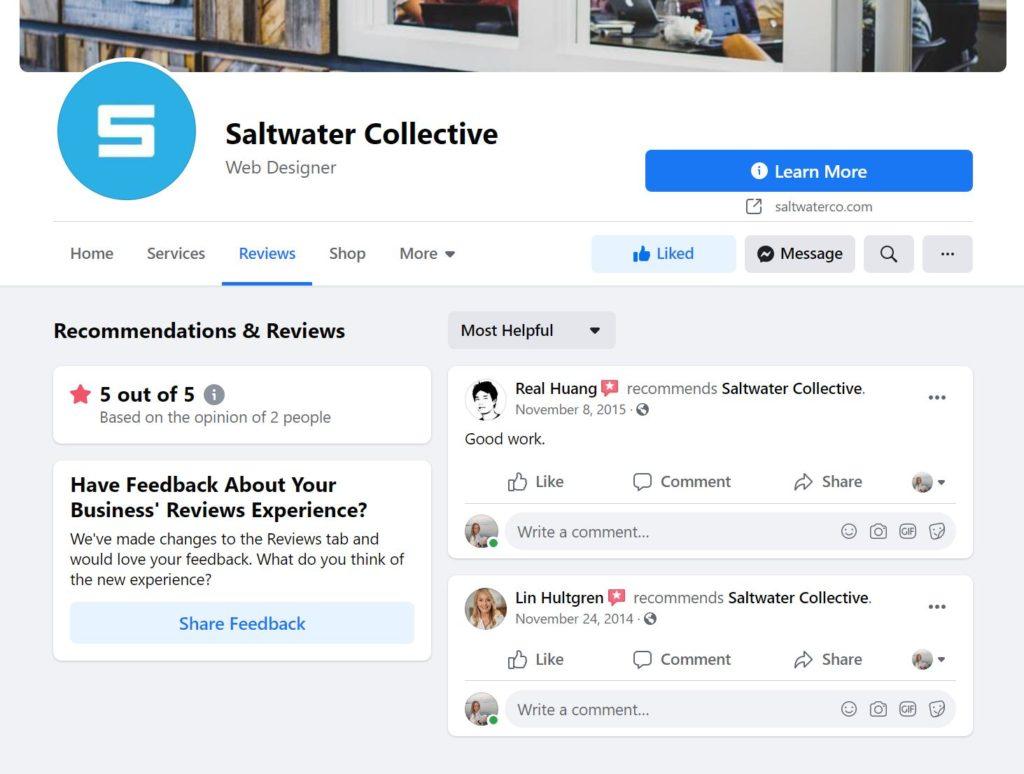
Best for: Most local businesses | Cost: Free
Pros: Large audience and easy sharing. Reviews appear as Recommendations on your Page, and you can reply.
Cons: Page owners can’t delete reviews. Meta says star-only recommendations can’t be reported, and it doesn’t verify that reviewers were customers.
Our notes: Documented behavior, per Meta’s help pages as summarized by Cloutly in September 2026. See Meta’s reporting steps and our guide to how to delete a review from Facebook.
3. Apple Business Connect (Apple Maps)
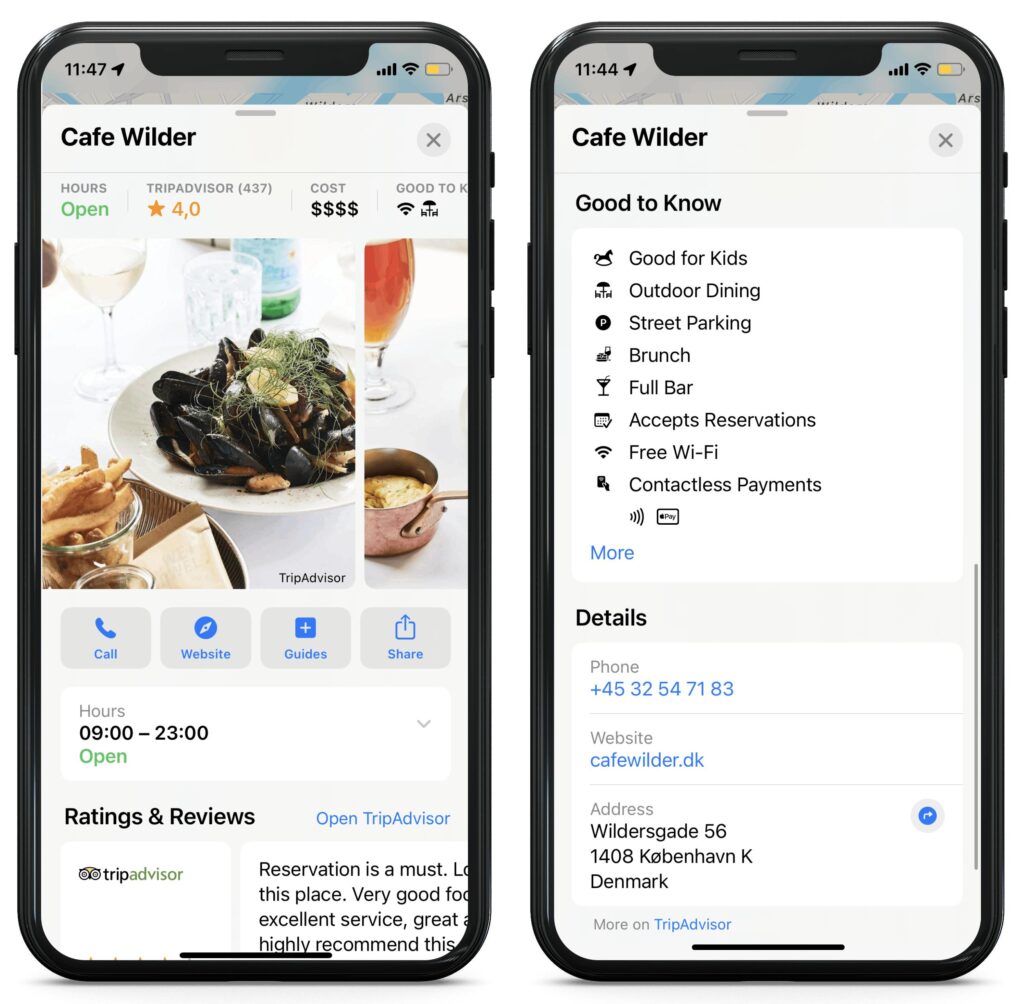
Best for: Businesses whose customers use iPhones | Cost: Free
Pros: Apple describes it as a free tool for claiming and customizing your place card, per its January 2023 announcement. BrightLocal found Apple Maps use rose from 14% to 27% in a year.
Cons: Fewer review tools than Google. Rules for requesting reviews aren’t something we verified, so check Apple’s terms.
Our notes: Documented behavior, not hands-on testing. BrightLocal’s 2026 data, as summarized by Usecarly, says 17% of consumers left an Apple Maps review in the past year.
4. Yelp
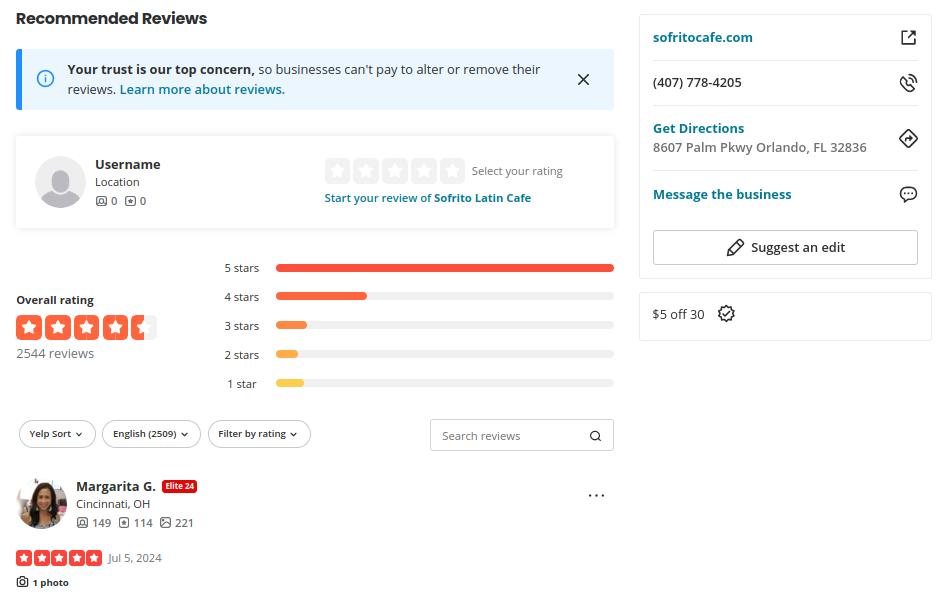
Best for: Restaurants, home services, and local retail | Cost: Free to claim; ads optional and paid
Pros: Claiming your Business Page is free, and you can reply to reviews and see analytics.
Cons: Yelp’s policy says not to ask anyone to review your business, and its recommendation software hides some reviews from your displayed rating. Paid ads are optional but pushed hard.
Our notes: Documented behavior, per a summary of Yelp’s policy. Don’t put “review us on Yelp” in your requests. See how to delete a review on yelp.
5. Trustpilot
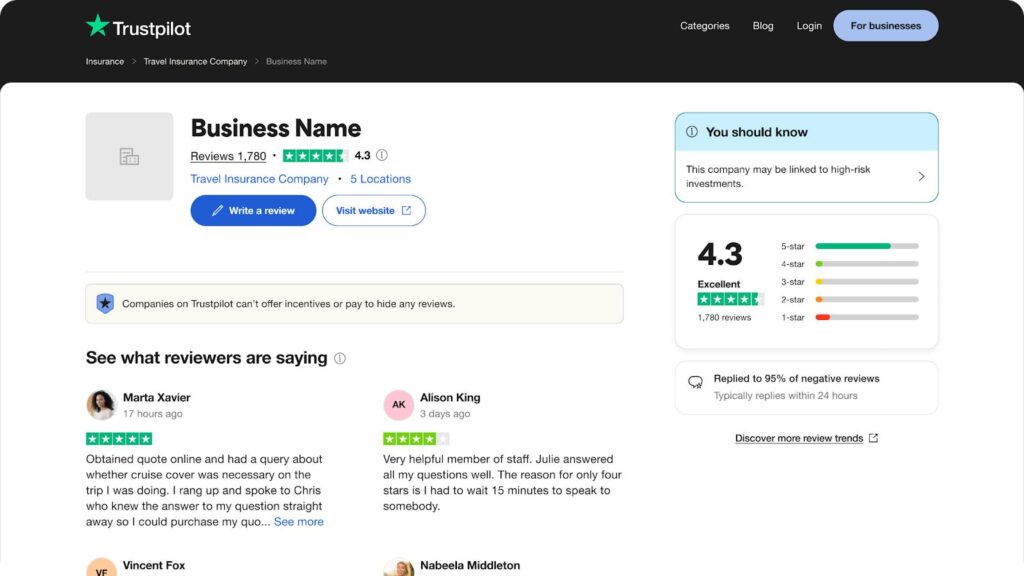
Best for: Online stores and service websites | Cost: Free plan; paid tiers by quote or published price
Pros: Trustpilot’s plans page says its free plan includes 50 review invitations a month, plus tools to reply and flag reviews.
Cons: Paid plans are quote-based or priced differently depending on the source and date, and the free plan caps invitations.
Our notes: Documented behavior. We saw conflicting paid-plan prices on third-party sites, so we don’t quote them here. Ask Trustpilot for a current quote.
6. Better Business Bureau (BBB)
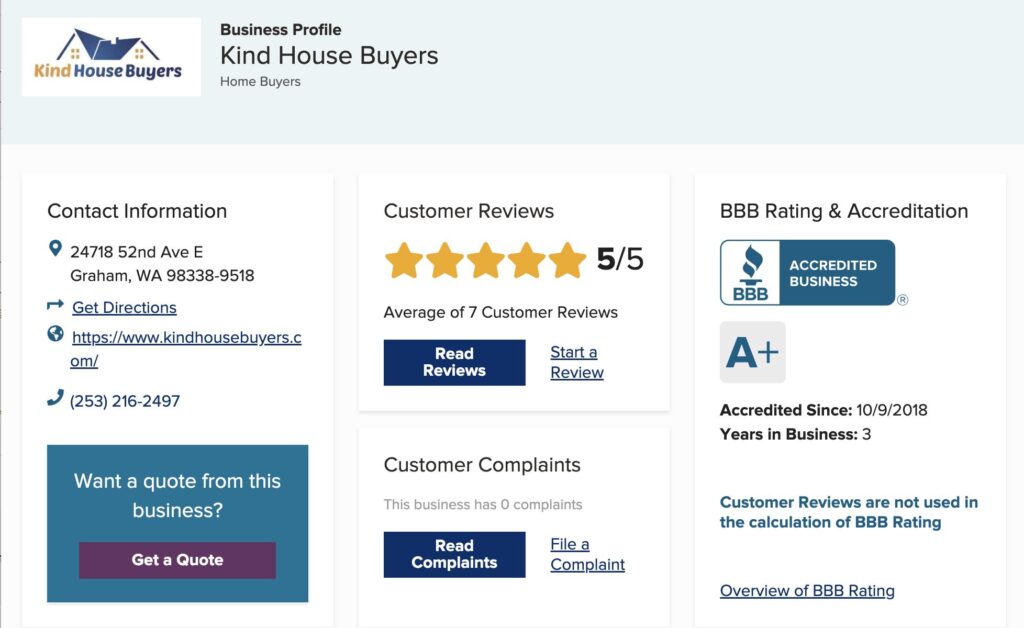
Best for: Trades, contractors, and services with older customers | Cost: Profile free; accreditation is a paid annual fee
Pros: BBB profiles show a letter grade, reviews, and complaints. BBB says customer reviews aren’t used in the letter grade, per its accreditation FAQ.
Cons: Accreditation fees are tiered by company size and renewed annually. Complaints are handled through BBB’s own process.
Our notes: Documented behavior. BrightLocal saw BBB usage rise in 2026, but its value depends on whether your customers check it. Get a local quote before deciding.
7. Tripadvisor
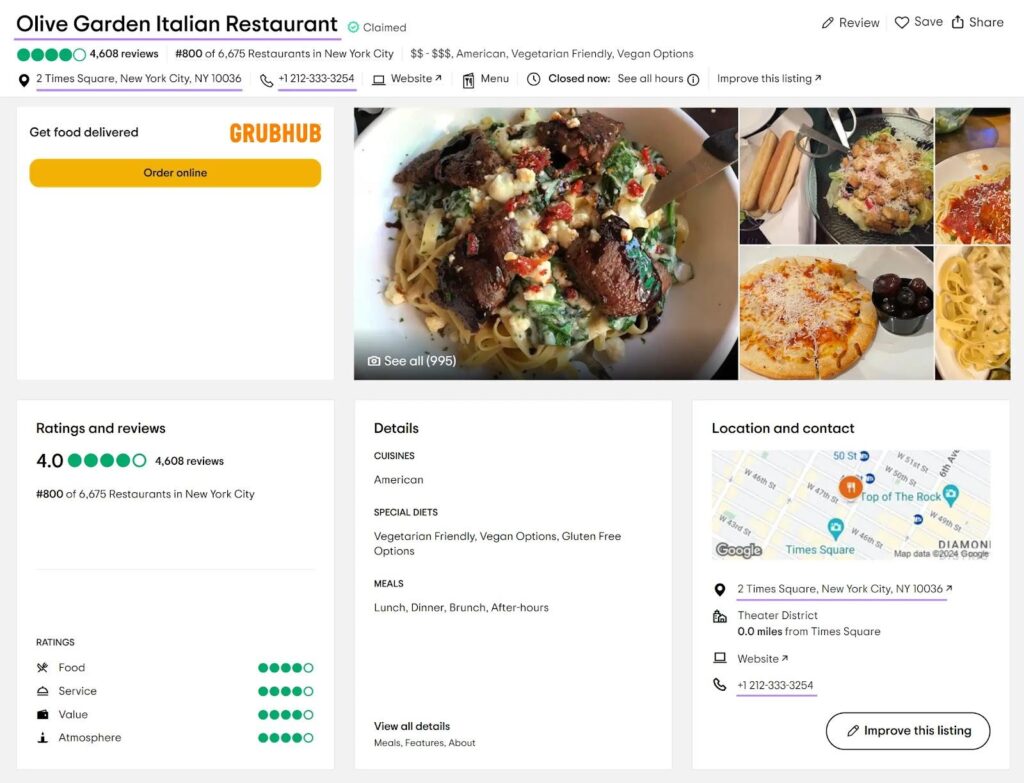
Best for: Restaurants, hotels, and attractions | Cost: Free to claim
Pros: Tripadvisor says claiming gives you a free Management Center to update your listing, reply to reviews, and get QR codes and stickers for guests.
Cons: Mostly relevant to travel and dining, and a lot of the value comes from tourists.
Our notes: Documented behavior. BrightLocal found Tripadvisor usage rose in 2026. Its Management Center is free, though we haven’t hands-on tested it for this guide.
8. Healthgrades
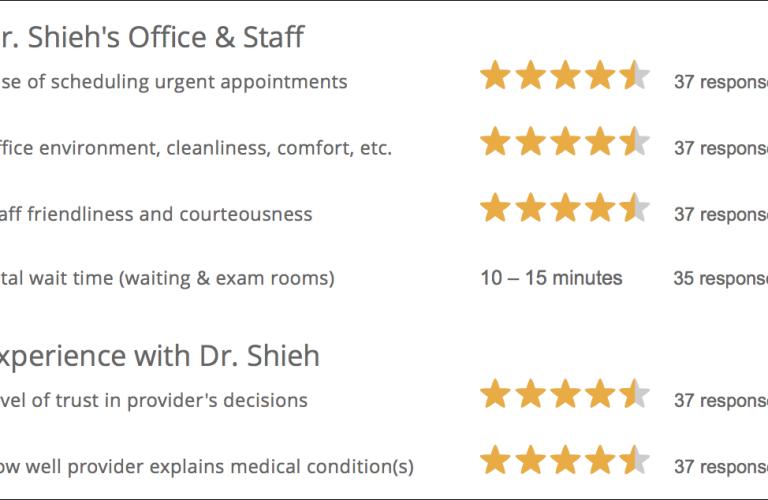
Best for: Doctors, dentists, and other healthcare providers | Cost: Free profile
Pros: Profiles are built from the national provider registry, and claiming one lets you update details and reply, per Podium’s guide (a vendor source).
Cons: Healthcare privacy rules limit what you can say in replies.
Our notes: Never confirm that a reviewer was a patient, and keep replies generic. Check your compliance advisor’s advice before replying.
4 more business review sites to check
We haven’t verified pricing or rules for these four, so treat this as a short checklist:
- Bing Places: claim your listing for Microsoft’s search and maps.
- Yellow Pages: BrightLocal found its usage rose in 2026.
- Angi: BrightLocal found its usage rose in 2026. It’s mainly for home services.
- Nextdoor: useful for neighborhood word of mouth. Check its business page rules before you post.
How to choose business review sites by type of business
| Business | Claim first | Then consider | Watch out |
|---|---|---|---|
| Salon | Google, Facebook, Apple Maps | Yelp | Don’t ask for Yelp reviews. Get consent before posting client photos. |
| Restaurant | Google, Tripadvisor, Yelp, Apple Maps | Yelp bans review requests. QR codes on receipts for Google and Tripadvisor only. | |
| Dental or medical | Google, Healthgrades, Facebook | Yelp, Apple Maps | Never confirm a reviewer is a patient. Keep replies generic. |
Monitoring business review sites and handling a crisis
Reputation monitoring doesn’t need software for one location. Check each profile weekly, turn on email notifications for new reviews, and set a free Google Alert for your business name so you see mentions on blogs and news sites.
Reply to every review. BrightLocal found 89% of consumers expect owners to respond. For negative reviews, stay calm, take details offline, and never share private customer information. Our guide on how to respond to negative reviews has templates.
In a crisis, such as a burst of one-star reviews, don’t pay anyone, don’t threaten reviewers, and don’t post fake positive reviews. The FTC’s 2024 rule bans fake and bought reviews, and Google’s policy prohibits incentives and screening. Report violations on each platform, reply, and keep earning real reviews with our how to ask customers for reviews scripts.
A weekly and monthly monitoring routine
- Weekly: check new reviews on your top three sites, reply, and flag any that break the rules.
- Monthly: compare your star rating and review count across sites, and note new complaints that repeat.
- Quarterly: check that your name, address, phone, and hours match on every profile.
What to look for in review-management software
- Ownership: your profiles and review data stay yours if you cancel.
- Coverage: it connects to the sites your customers actually use.
- Reply tools: templates you can edit, not canned replies, since many shoppers dislike generic responses.
- No screening: avoid tools that send only happy customers to public sites. That is review gating, which Google prohibits.
- Clear pricing: written terms, contract length, and what’s included.
Managing business review sites: DIY or done-for-you?
| Question | Lean DIY if… | Lean done-for-you if… |
|---|---|---|
| Time | You can check profiles weekly | You’re already stretched |
| Locations | One or two | Several, with many profiles |
| Industry | Low-regulation | Healthcare or other regulated fields |
| Budget | Tight, with free tools enough | You’d rather pay than spend hours |
Review-management software can combine monitoring and replies across sites, and prices vary widely, so get written quotes and ask who owns your profiles. We offer our own online reputation management service, so compare options before you choose.
Business review sites FAQ
Which review sites should a small business claim first?
Start with Google Business Profile, then Facebook and Apple Maps, since BrightLocal’s 2026 survey shows Google and Facebook lead for local recommendations and Apple Maps use rose. Then add one or two industry sites, such as Yelp or Tripadvisor for restaurants, or Healthgrades for providers.
Is it free to claim a business on review sites?
Usually yes. Google, Facebook, Apple Business Connect, Yelp, Tripadvisor, and Trustpilot’s basic plan are free to claim. BBB profiles are free, but BBB Accreditation is a paid, tiered program.
Can I ask customers to leave reviews on every site?
No. Yelp’s policy says not to ask anyone to review your business. Google allows asking, but prohibits incentives and screening. The FTC’s 2024 rule bans buying reviews and incentives tied to sentiment everywhere.
How do I monitor reviews across many sites?
Check each profile on a schedule, set a Google Alert for your business name, and consider review-management software if you manage many locations. Free methods work for one location.
What should I do about a fake or unfair review?
Report it on the platform if it breaks the rules, and reply politely if it doesn’t. You can’t delete other people’s reviews, and no one can guarantee removal.
Do I need to pay a review-management company?
Not necessarily. The free tools cover most single-location businesses. Paid help makes sense if you lack time, manage several locations, or work in a regulated field.
Sources (checked October 26, 2026): BrightLocal Local Consumer Review Survey 2026; Usecarly summary of BrightLocal data; Apple Newsroom (Jan 2023); Trustpilot plans; BBB FAQ; Tripadvisor for restaurants; Podium: Healthgrades; Google: local ranking; Google: prohibited content; FTC, 16 CFR Part 465. Prices and policies change, so verify before you act.